
AI color editing assistant for high-volume photographers
Edit one photo. Speed up the next.
ShutterColor learns from the corrections you make while editing a shoot, then uses those decisions to accelerate the next photos. Upload, start editing, and let your color style become a faster first pass photo by photo.
Built for wedding, graduation, portrait, and event photographers who want faster turnaround without generic presets.
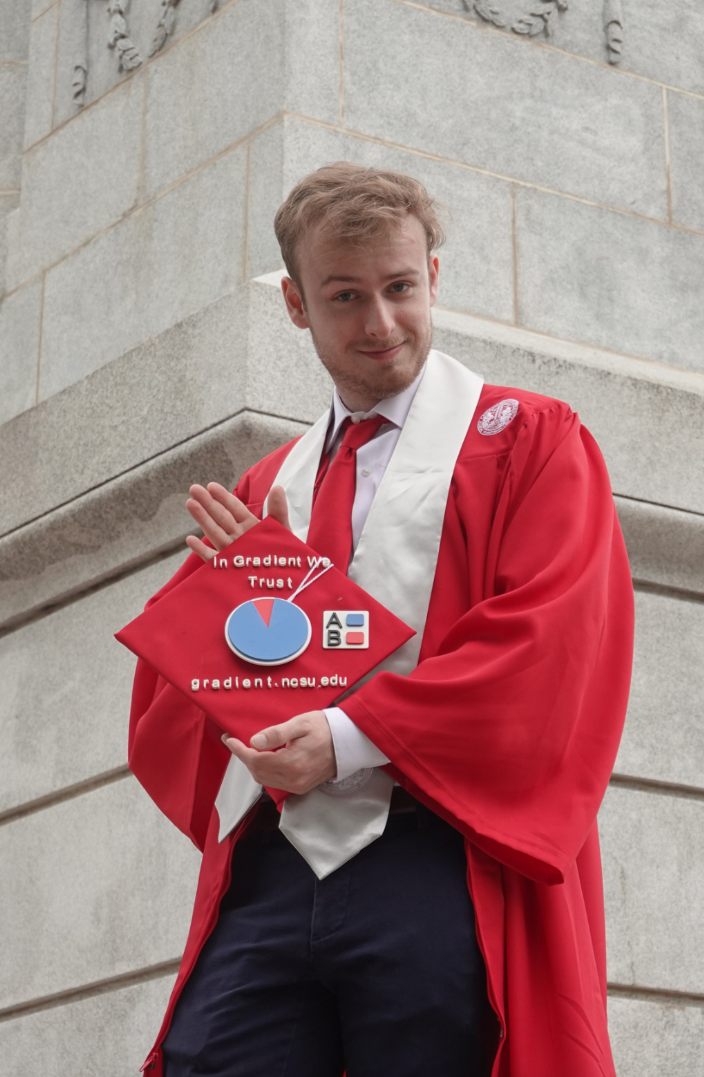 Before
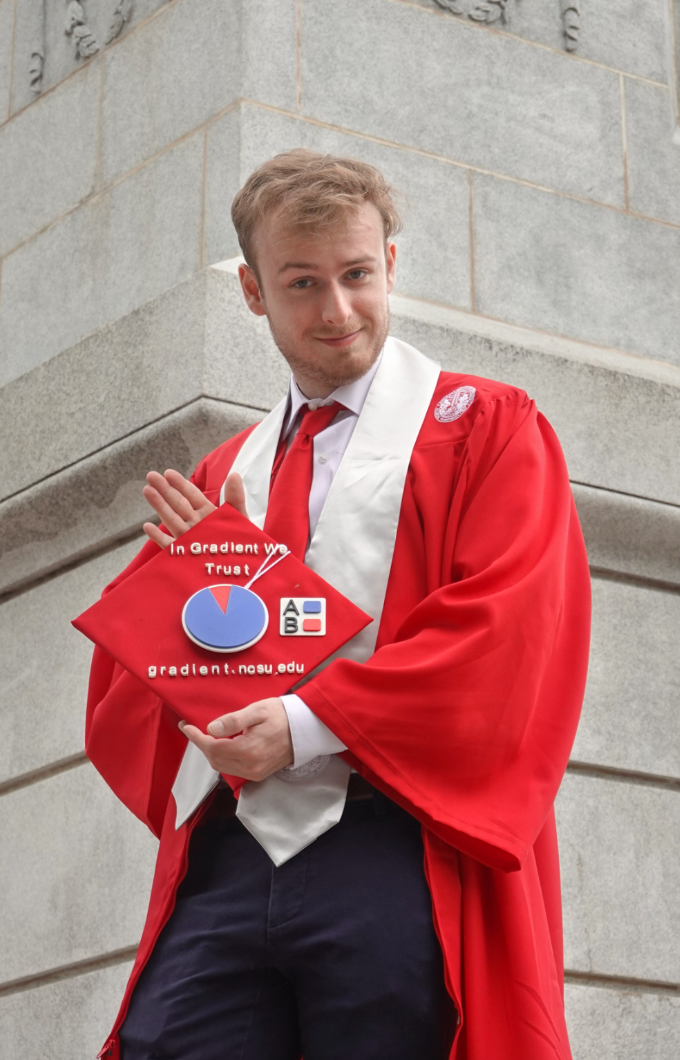 After
After
Each correction helps ShutterColor reduce repeat work across the whole image, skin tones, subjects, backgrounds, and color mixer adjustments.
How it works
ShutterColor learns while you edit, so the rest of the shoot moves faster.
You do not have to start with a perfect preset or a huge archive of old edits. ShutterColor begins learning from the current shoot as soon as you save corrections, helping repeated decisions turn into faster suggestions while you keep working.
Upload a shoot
Start with a real client job: graduation portraits, wedding previews, senior sessions, events, or other high-volume galleries. ShutterColor accepts RAW and JPG formats.

Edit like you normally do
Make your usual global, color mixer, and mask-based corrections. ShutterColor learns from those choices while you move through the shoot.
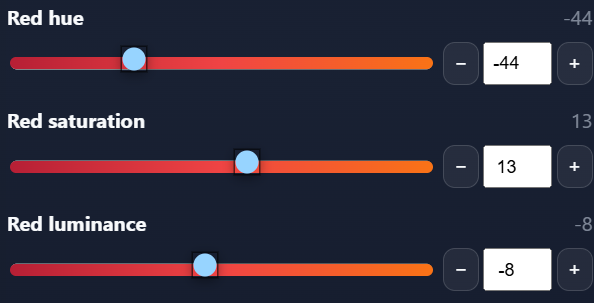
Save corrections as style memory
Each saved edit teaches the system what you prefer for exposure, warmth, contrast, saturation, skin tones, backgrounds, and subject treatment.
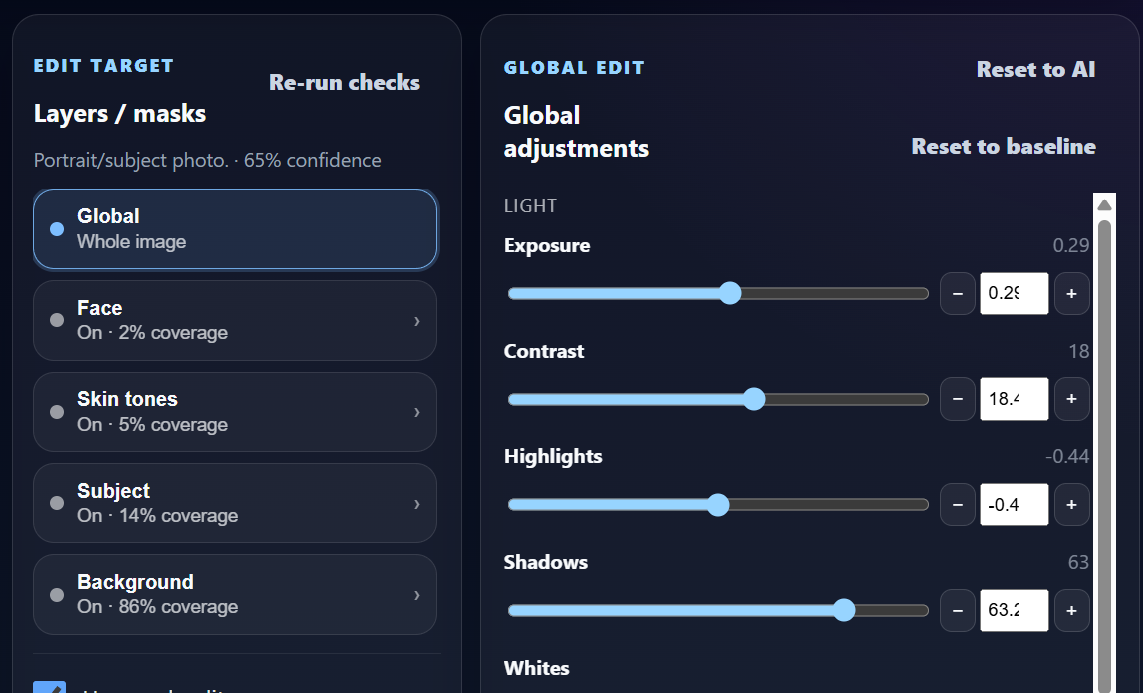
Spend less time repeating yourself
As you continue through the shoot, ShutterColor suggestions move closer to the edits you would have chosen yourself.
Mask-based color learning
Your style is not one slider. ShutterColor learns by image region.
ShutterColor creates and detects masks so the AI can learn how you edit different parts of a photo. The system can learn different correction patterns for the whole image, skin tones, face, subject, and background instead of treating every photo like one flat preset.
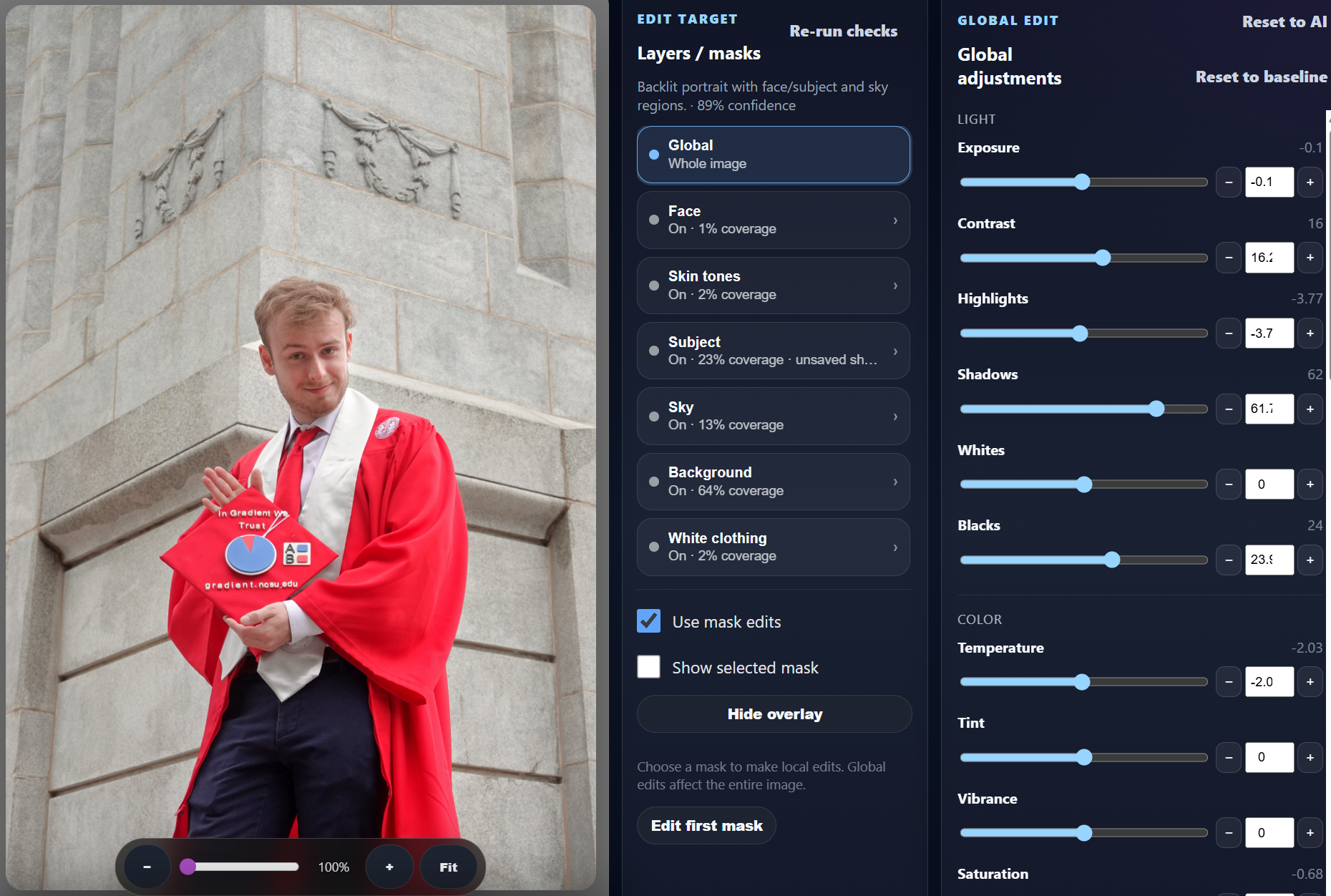 Global detection
Global and shoot style learning
Learns your overall color direction: exposure, contrast, warmth, saturation, highlights, shadows, blacks, whites, and presence while also learning per shoot.
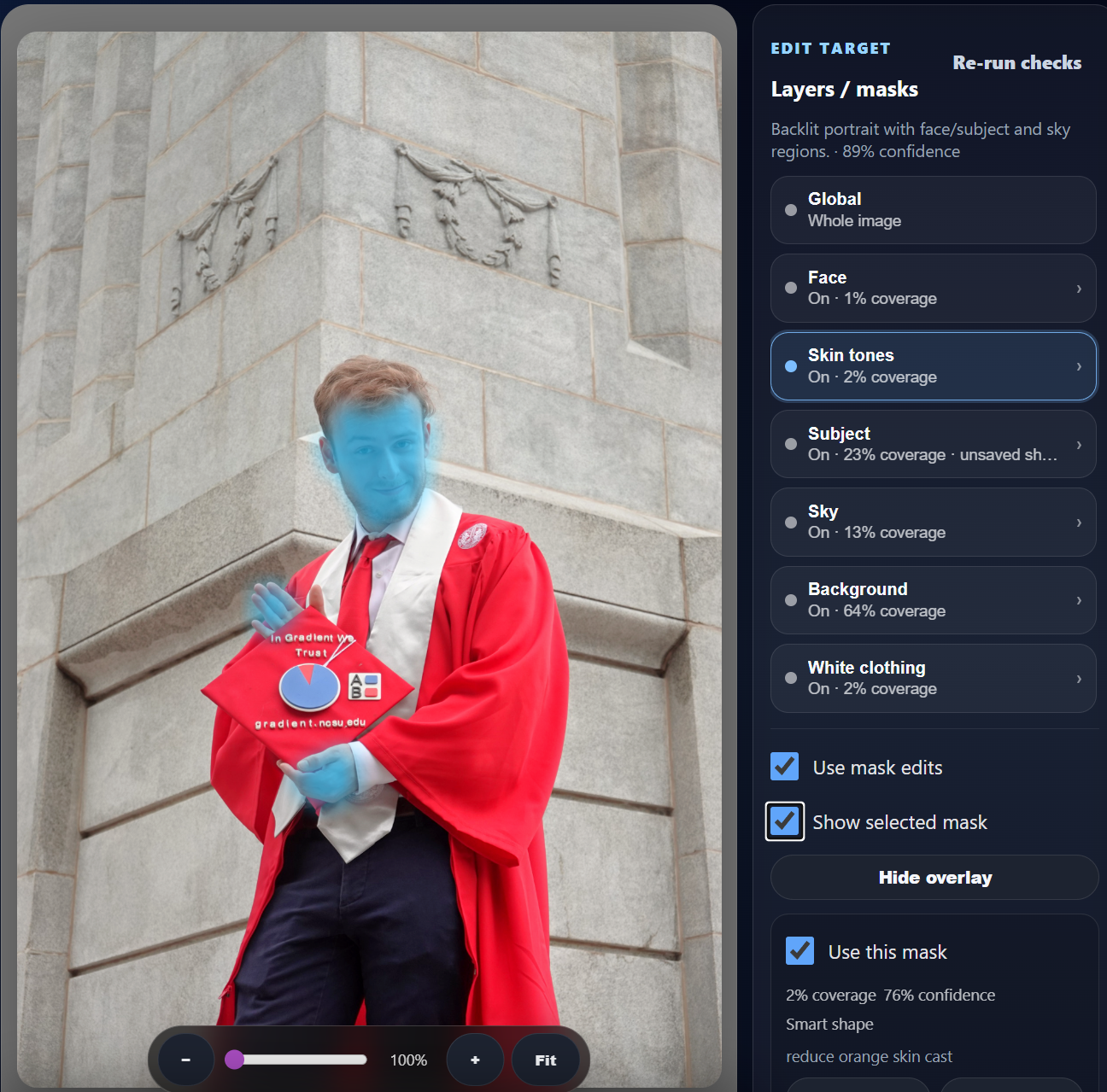 Skin tone detection
Skin tone learning
Helps keep people looking consistent across changing light, different backgrounds, and mixed indoor or outdoor conditions.
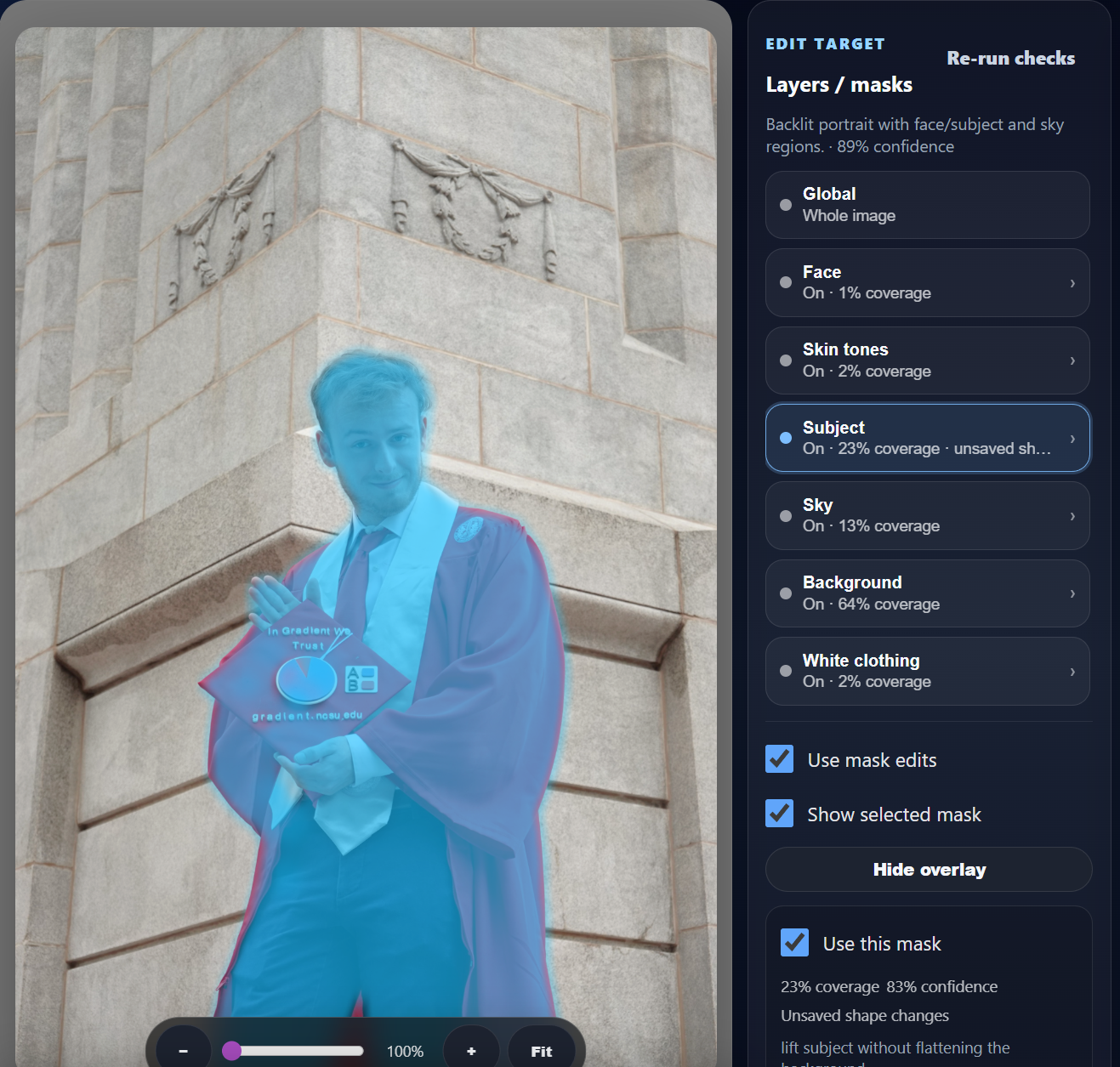 Subject detection
Subject-aware edits
Detects the main subject and learns how you usually separate the person, product, or focal point from the rest of the scene.
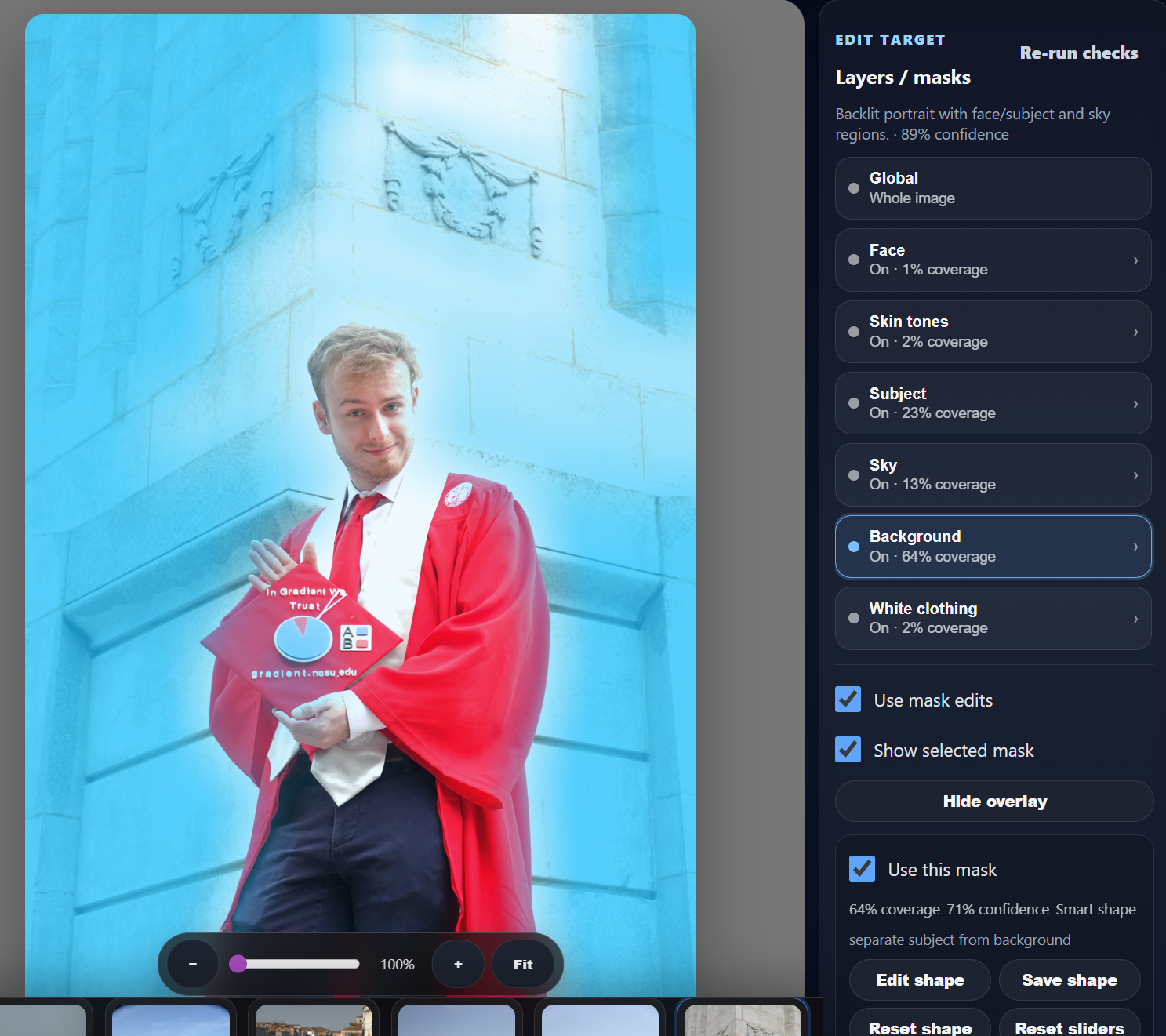 Background detection
Background color control
Learns how you handle greens, skies, venues, campuses, rooms, and other background colors without forcing the same look onto the subject.
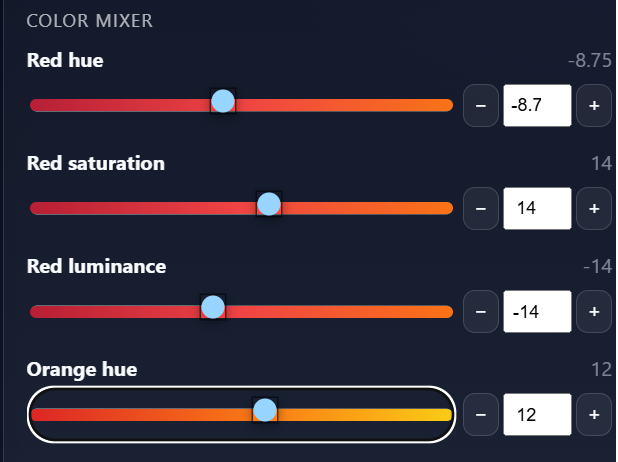 Color mixer memory
Color mixer memory
Learns hue, saturation, and luminance choices by color range so your greens, blues, oranges, and skin-adjacent tones stay closer to your look.
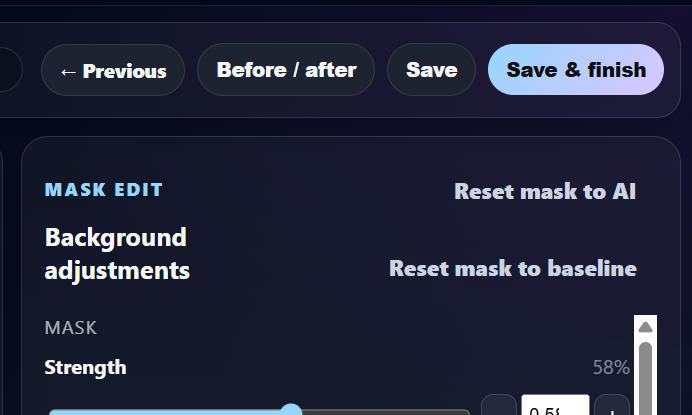 Human review
Human review stays in control
The AI speeds up the first pass, but you still approve, adjust, save, and finish the images before delivery.
Made for the shoots that create editing backlogs
Target the shoots where consistency and speed matter most.
Wedding photographers
Wedding light changes all day. ShutterColor learns your correction patterns for portraits, ceremony, reception, skin tones, subjects, and backgrounds.
Graduation and senior photographers
Keep skin tones, gowns, campus greens, and portrait lighting consistent across seasonal high-volume galleries.
Portrait and event creators
Move through repeat sessions, conferences, sports, and social events faster while keeping your finished style recognizable.
Not another preset pack
Save time without giving up control.
Most editing workflows force photographers to choose between speed and creative control. ShutterColor is built to reduce the repetitive first pass while still learning from your actual corrections, including mask-based color decisions.
Start building your editing assistant
Upload a shoot, edit your way, and spend less time repeating the same corrections.
Train your first shoot for free and see whether ShutterColor can turn your saved edits into a faster, more consistent first pass for the rest of the gallery.